
I was signed out of Contextli
Click Sign in and use the same Google account or email code as before. Your notes and settings stay on your computer while you are signed out.
On this page
Click Sign in and use the same Google account or email address as before. Your notes and settings stay on your computer while you are signed out, so nothing is lost.
Sign back in
- On the You’re signed out screen, click Sign in.
- Click Continue with Google, or enter your email address.
- If you used email, type the 6-digit code from the Check your email screen. There is no password.
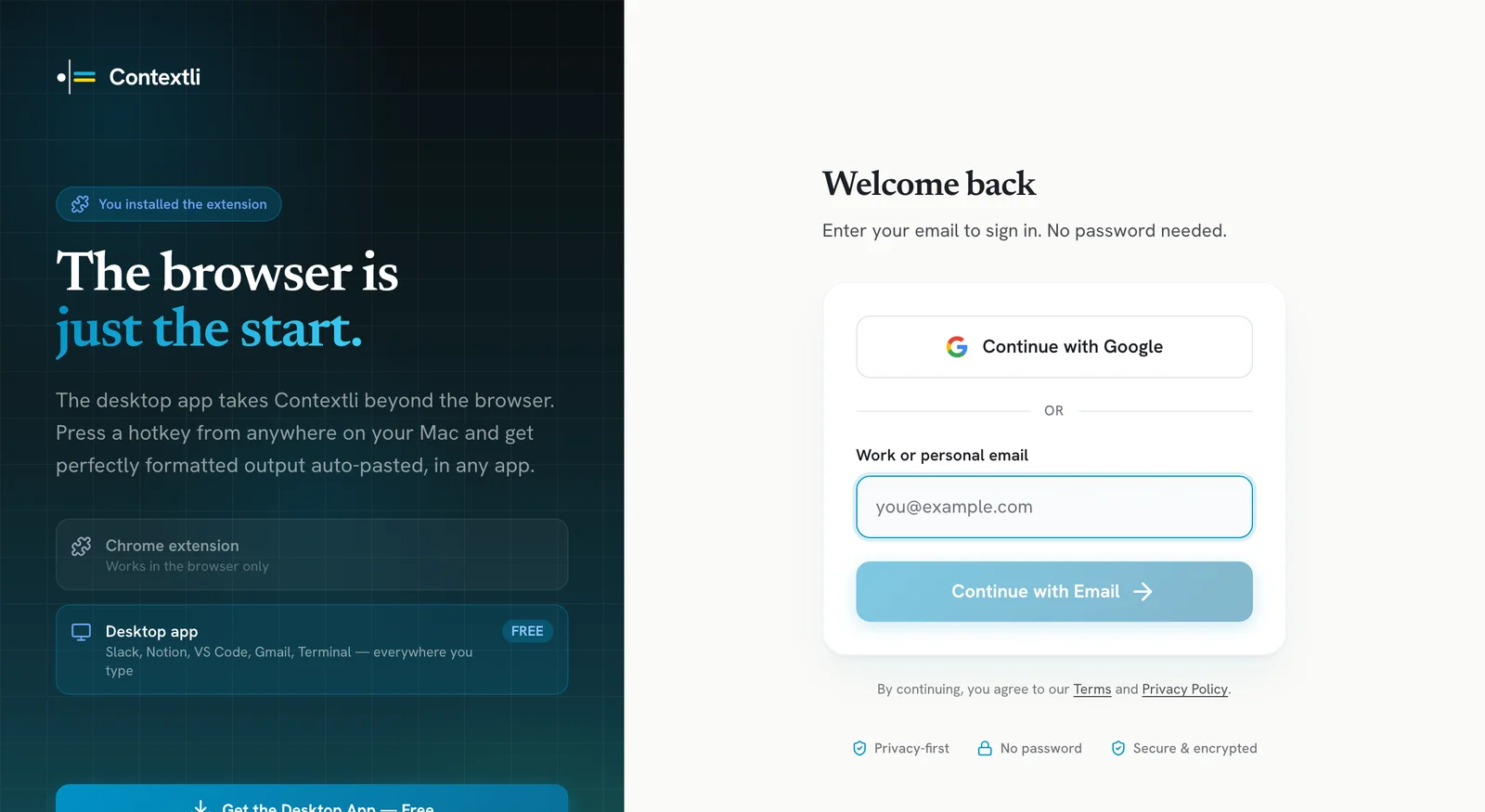
Use the same email you signed up with, so you see your plan and credits.
Why it happens
The message tells you the reason:
- Your session on this computer expired. Sign in again to keep dictating.
- Contextli could not confirm your account, so this computer was signed out. This can happen after a sign-in problem or a change to your account. Sign in again.
While you are signed out, you cannot dictate, sync notes or see your plan.
The code email does not arrive
- Wait a minute and check your spam or promotions folder.
- Make sure you typed the email address correctly.
- Ask for a new code and use the newest one.
Still signed out after signing in
- Quit Contextli from the tray or menu bar and open it again.
- Make sure you have the latest version. See Update Contextli to the latest version.
- If it keeps happening, email [email protected] with your account email and what you see.
Related articles
Did this answer your question?
Thanks for letting us know.Thanks, we will improve this article. Want a hand right now?
Still need help?
Chat with us and get an answer in a few minutes.