
What happens to my audio and text?
With Contextli Cloud, audio is processed on our servers and then deleted. Your notes stay on your computer unless you turn on Cloud Sync.
On this page
With the default Contextli Cloud setting, your audio is processed on our servers and then deleted. Your notes and recordings are stored on your own computer and only go to the cloud if you turn on Cloud Sync. If you want nothing to leave your computer, switch to on-device processing.
What happens when you dictate
- Contextli records your microphone only while recording is on (after you press your hotkey or the mic button).
- The audio is sent for transcription. With Contextli Cloud, it is processed on our servers (transcription by our speech provider, Deepgram) and then deleted.
- If you use Polished Transcription or a context like Email, the text (and a screenshot, only for contexts with Capture screenshot on) is sent to an AI model to be rewritten, then deleted.
- The result is pasted at your cursor and also copied to your clipboard.
- The note and its audio are saved on your computer.
Where your notes are stored
Notes, recordings and settings live on your computer:
| System | Folder |
|---|---|
| Mac | ~/Library/Application Support/Contextli/ |
| Windows | %APPDATA%\Contextli\ |
| Linux | ~/.config/Contextli/ |
They are copied to the cloud only if you turn on Cloud Sync (Settings > Cloud Sync), so you can see them on your other devices.
Choose where processing happens
In Settings > Data Control you choose separately for Transcription and AI Processing:
- Contextli Cloud: “Processed on our servers, then deleted.”
- Your API Keys: data goes to your own provider, not to Contextli.
- Your Device: 100% offline. Nothing leaves your computer.
See Choose Cloud, your own API keys or on-device processing.
Signing in without a password
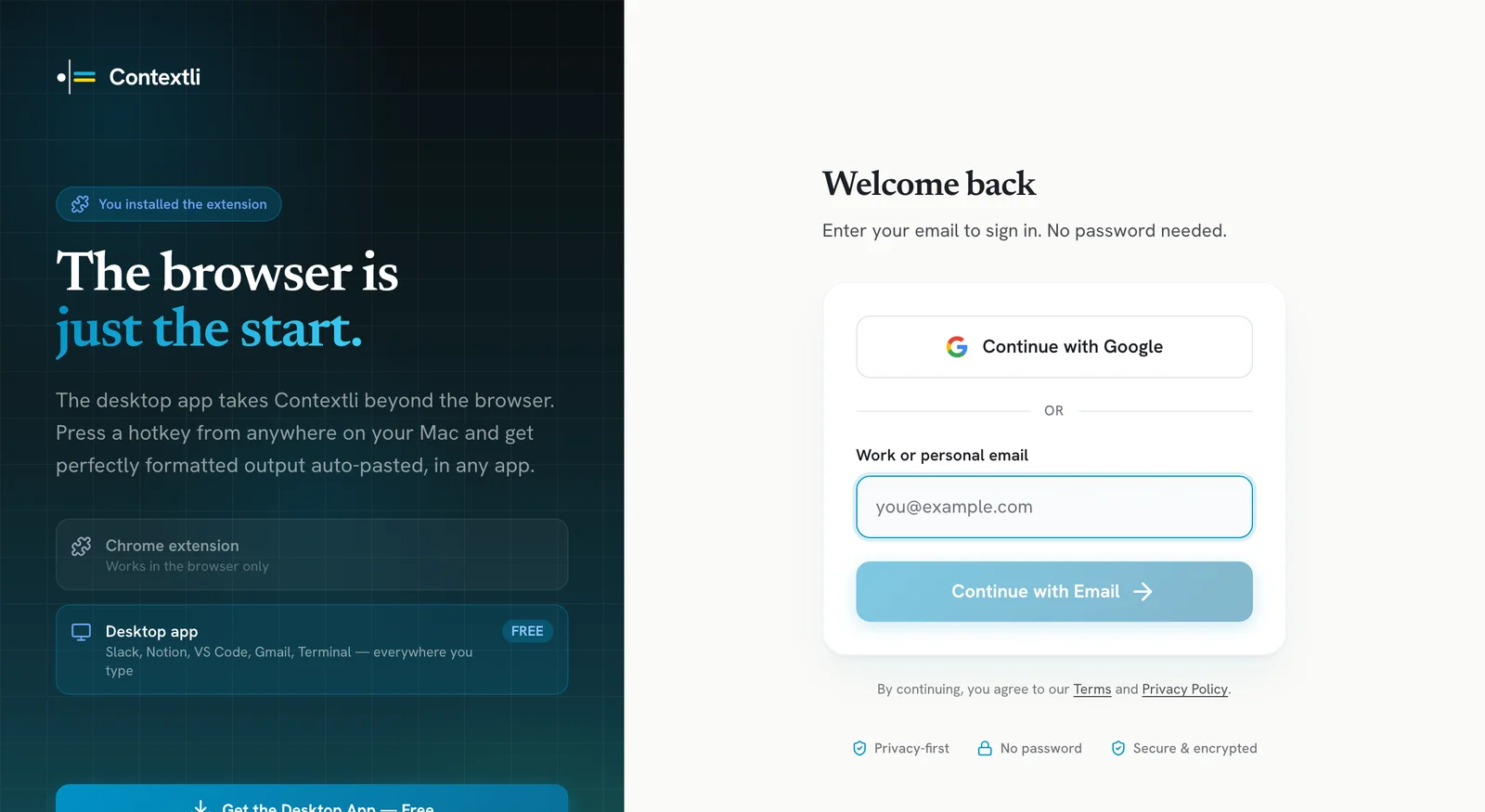
Contextli never uses passwords. You sign in with Continue with Google, or with your email: we send a 6-digit code to your inbox and you type it in. That one-time code works as a second check, because only someone with access to your email can sign in. There is no password to leak or reuse.
If you see a device or sign-in you don’t recognise, email [email protected] with a screenshot.
More details
Read the full privacy policy at https://contextli.com/privacy-policy. Questions: [email protected].
Related articles
Did this answer your question?
Thanks for letting us know.Thanks, we will improve this article. Want a hand right now?
Still need help?
Chat with us and get an answer in a few minutes.