
How credits work
One credit covers 36 seconds of spoken audio. Only real speech counts, failed or empty recordings are free, and credits reset each billing period.
On this page
One credit covers 36 seconds of spoken audio. Only actual speech counts, failed or empty transcriptions are not charged, and your credits reset at the start of each billing period.
What uses credits
- Dictating with Contextli Cloud (the default) uses credits for the speech in each recording.
- 100 credits is about one hour of speaking.
- Silence before you start talking, failed transcriptions and empty recordings do not use credits.
- Your credits are shared across the desktop app, the mobile apps and the Chrome extension when you sign in with the same email.
Check your balance
- Open Settings > Account > Manage billing.
- Look at Credits. You see what is left and when your credits reset.
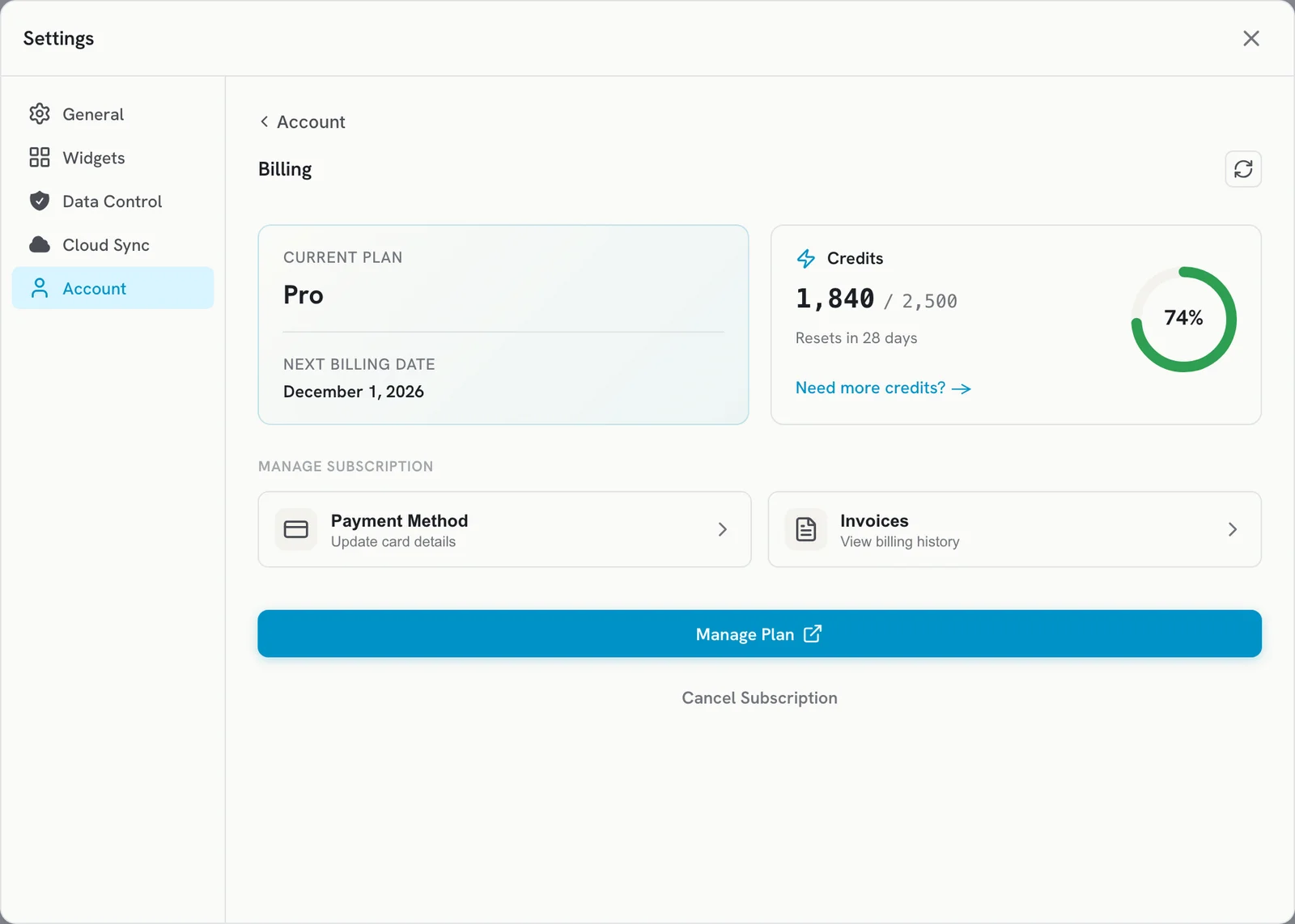
The Chrome extension popup also shows your Credits.
How many credits you get
- Free plan: 100 credits, refreshed every month.
- Paid monthly plans: credits refresh each billing cycle.
- Annual plans: all credits for the year are given upfront.
- Lifetime plans: credits are included with your Lifetime plan.
For the amount on each plan, see contextli.com/pricing.
Get more credits
- Buy a credit pack: on the billing screen, click Need more credits? Packs add 500 credits.
- Invite friends: you and your friend both get 200 credits. See Invite friends and earn credits.
- Upgrade your plan: click Upgrade Plan on the billing screen.
When you run out
You see No credits left. Then:
- Dictation with Contextli Cloud stops until your credits reset or you add more.
- Dictation with Your API Keys keeps working, because your own provider handles it.
- On-device transcription (Your Device) keeps working on paid plans. On the Free plan it also stops.
- If you run out in the middle of a dictation, the last dictation is copied to your clipboard. Your saved notes are safe.
Related articles
Did this answer your question?
Thanks for letting us know.Thanks, we will improve this article. Want a hand right now?
Still need help?
Chat with us and get an answer in a few minutes.