
Install Contextli on your Mac
Download the Mac build for your chip from contextli.com/download, drag Contextli into Applications, open it and sign in with Google or an email code.
On this page
Download the Mac build that matches your chip (Apple Silicon or Intel) from contextli.com/download, move Contextli into your Applications folder, open it and sign in with Google or a 6-digit email code.
Download the right build
- Go to contextli.com/download.
- Under macOS, pick your chip: Apple Silicon (M1, M2, M3 and M4 Macs) or Intel (Intel-based Macs from before 2020). The page marks the one it detects with Recommended for your Mac.
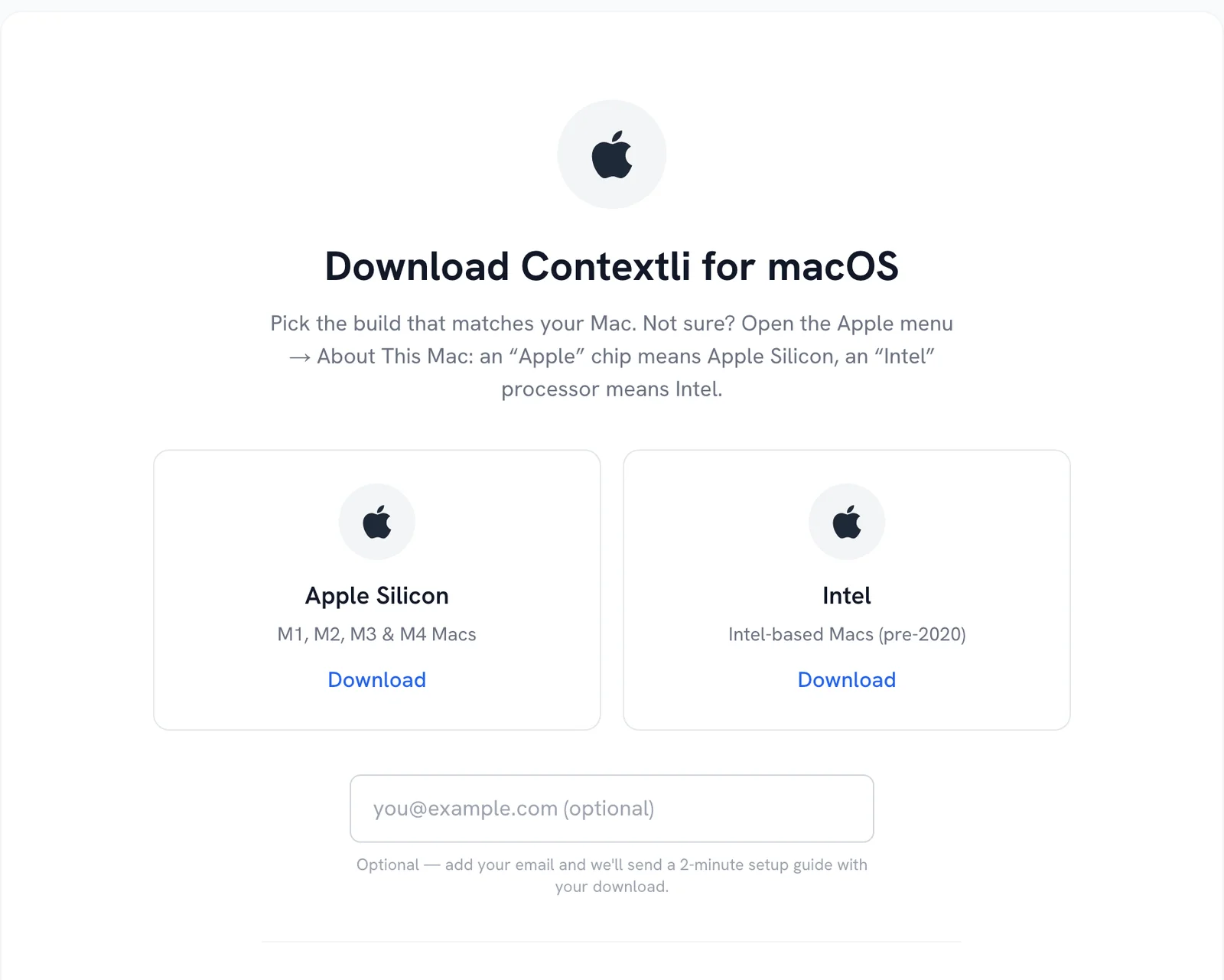
Not sure which chip you have? Open the Apple menu and choose About This Mac. The Chip line says Apple M-something for Apple Silicon, the Processor line says Intel for Intel Macs.
Install and open
- Open the downloaded
.dmgfile. - Drag Contextli into the Applications folder.
- Open Contextli from Applications or Launchpad. If macOS asks whether you want to open an app downloaded from the internet, click Open.
Sign in and finish setup
- Click Continue with Google, or enter your email and type the 6-digit code from the Check your email screen. There is no password.
- On Let’s Get You Set Up, allow the microphone, pick your microphone, choose a Recording Mode and check your Recording Hotkey (Option+Space by default on Mac).
- Choose your Transcription Language, then try a dictation on the Try It Out step.
After setup, macOS needs Accessibility access so Contextli can paste text for you. See Grant microphone and Accessibility permissions on Mac.
Good to know
- Closing the Contextli window hides it to the menu bar. It keeps listening for your hotkey. To fully quit, use Quit in the menu bar icon.
- Launch at Startup is on by default. macOS may ask you to approve it in System Settings > General > Login Items.
- New versions install automatically. See Update Contextli to the latest version.
Related articles
Did this answer your question?
Thanks for letting us know.Thanks, we will improve this article. Want a hand right now?
Still need help?
Chat with us and get an answer in a few minutes.